How to Fix a Flat Screen TV Screen
Introduction
Flat screen televisions are integral to our entertainment experience, providing crisp and colorful images. But these sleek devices can occasionally encounter issues like cracked screens, dead pixels, and image distortion. Before considering a replacement, it’s important to address these problems through a guided DIY approach. This article presents a comprehensive method to identify, understand, and fix common flat screen TV issues using accessible tools and proven techniques.
Understanding Flat Screen TV Issues
Before diving into repairs, it’s crucial to discern the specific issue at hand. This will direct your efforts effectively and determine whether a DIY approach is feasible.
Common Types of Damages
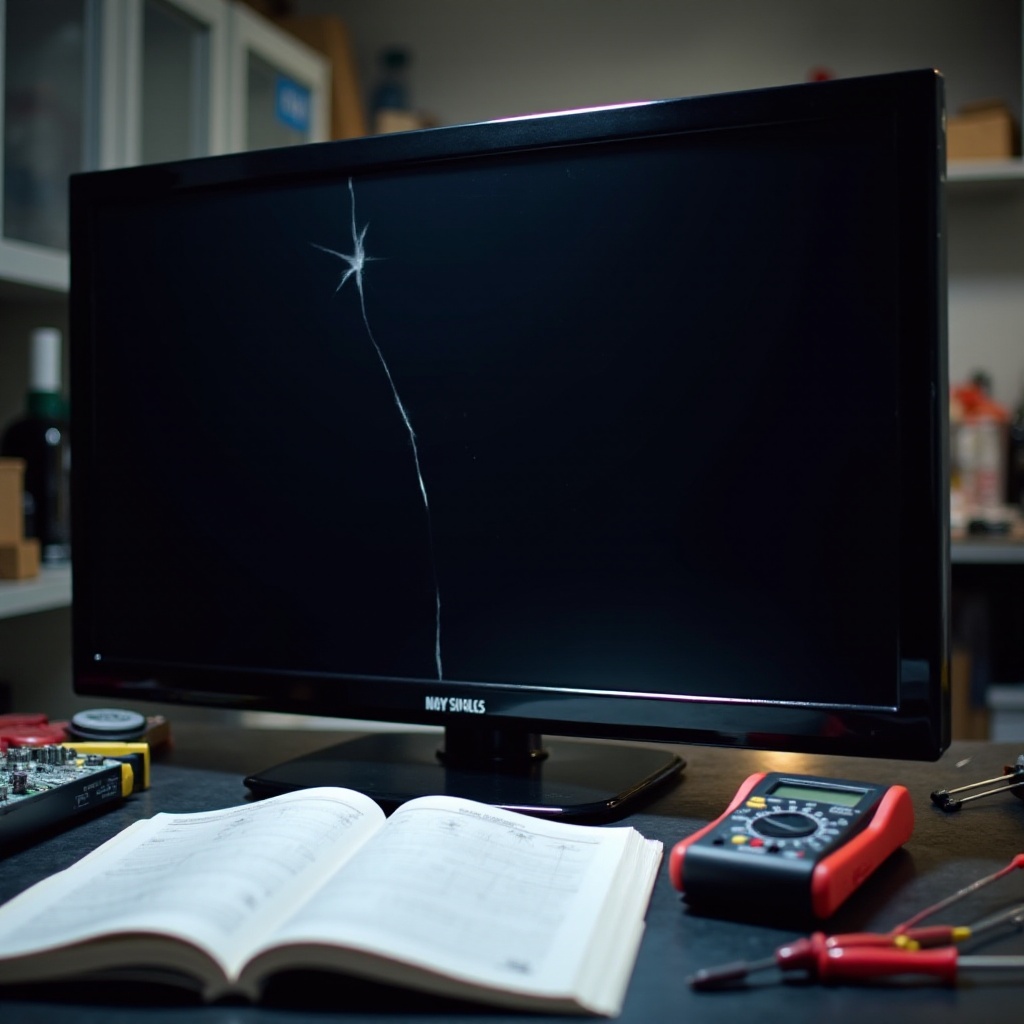
Flat screen TV damages can range from surface-level scratches to more serious cracks, dead pixels, or even color distortions. Each problem has distinct symptoms that, once identified, can help chart a course for repair.
Diagnosing the Problem
Careful observation is key to diagnosing your TV’s problem. Assess the screen for visible symptoms like cracks or deep scratches. For issues like image distortion, monitor any changes in color or picture alignment. This critical step involves distinguishing between surface damage and deeper functional problems.
Screen Issues vs. Internal Problems
Understanding the difference between screen and internal problems is essential. While cracked screens are usually apparent, symptoms like flickering might be due to internal wiring issues, requiring specialized treatment.
Tools and Materials Needed for Repair
Approaching TV repair with the right tools can significantly enhance your chances of success. This section details the essential gear for efficient repairs.
Essential Tools
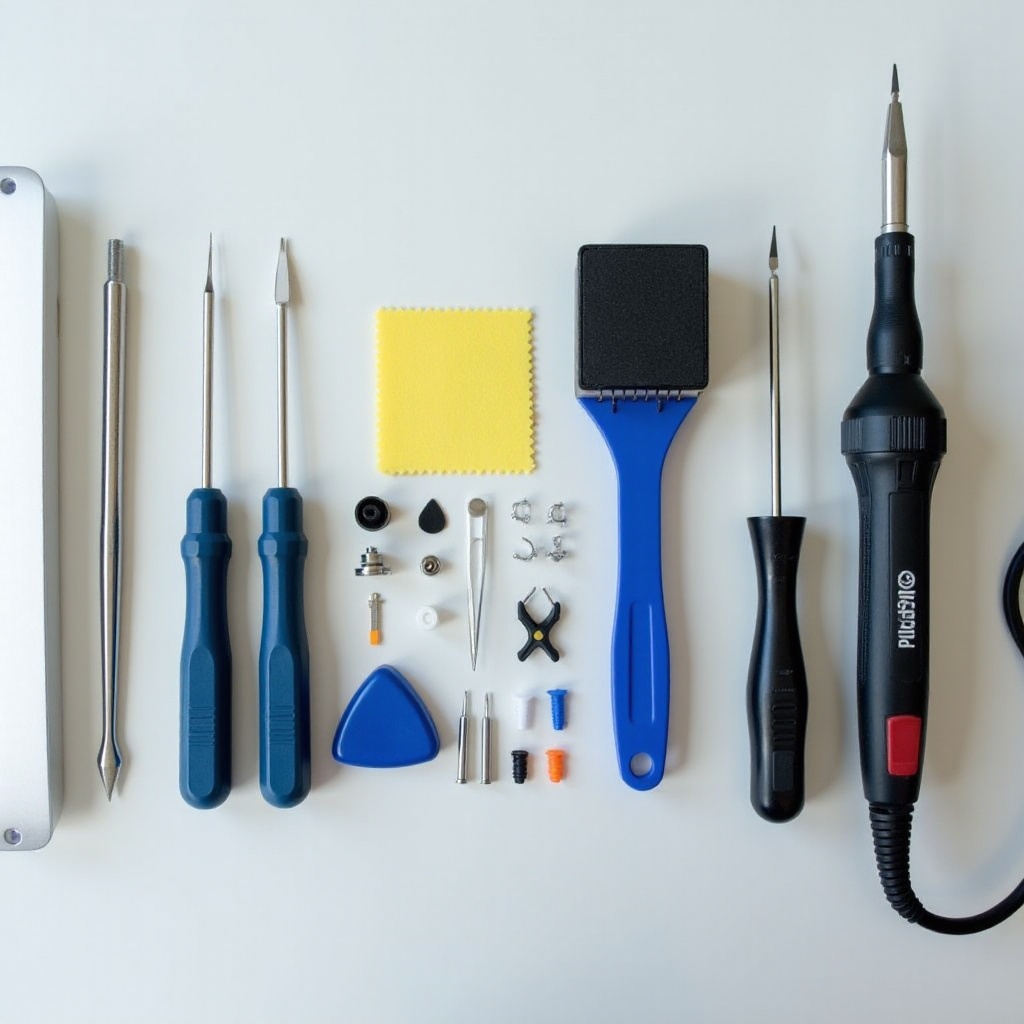
Gather a set of screwdrivers, a backlight tester, adhesive tape, and a microfiber cloth. These tools facilitate the basic opening of your TV and preliminary issue diagnosis.
Safety Gear
Safety measures are vital. Equip yourself with anti-static wristbands to prevent electrical shocks, along with goggles and gloves to protect against harmful particles or shards.
Optional Materials for Advanced Repairs
Advanced repairs might require a soldering iron and replacement capacitors for addressing internal electronic components. Adhesives specific to electronics can be handy for reassembly.
Step-by-Step Repair Process
Equipped with the necessary tools and understanding of the problem, it’s time to get into the repairs.
Initial Safety Measures
- Power off the TV and unplug it. Ensure no power is running to the device.
- Allow the TV to sit briefly to discharge residual power naturally.
- Position the TV screen-side down on a padded surface to avoid further damage.
Fixing Minor Damages
Minor cracks or scratches:
1. Apply a small amount of petroleum jelly on minute cracks to improve display uniformity.
2. Gently rub toothpaste on scratched areas using a microfiber cloth in a circular motion, then clean thoroughly.
Troubleshooting Connectivity Issues
- Examine HDMI connections for any loose or damaged ports.
- Ensure input settings are correctly set according to your device’s source.
- If a software update is available, download it from the manufacturer’s website to resolve firmware-related glitches.
When to Seek Professional Help
Sometimes, large cracks or complex screen disorders are beyond simple fixes. In such scenarios, professional assistance should be a go-to, especially when repair costs outweigh the benefits of buying a new TV.
Preventative Measures for Long-Term TV Care
Once your TV is fixed, maintaining your television in optimal condition prevents recurrent issues.
Regular Maintenance Tips
Frequent dust removal using a microfiber cloth is recommended. Avoid abrasive cleaners that might damage the sensitive screen.
Handling and Placement Advice
Place the TV in a stable area, away from windows where direct sunlight could cause image distortion or heat damage. Stabilizing the TV on firm furniture can prevent accidental falls.
Setup and Calibration Tips
Set your television’s display settings to the manufacturer’s recommendations. Calibrating the contrast and brightness according to room lighting conditions can significantly improve screen longevity.
Conclusion
Addressing flat screen TV issues doesn’t always require professional help. With the right tools and a methodical approach, tackling most common problems is possible and economical. But remember, significant damages may need expert evaluations. Proper care and maintenance are key to ensuring your TV’s durability and performance remains uncompromised over time.
Frequently Asked Questions
Can I fix a cracked TV screen at home?
Fixing a cracked TV screen is challenging and often requires replacement rather than repair. For severe cracks, professional help is recommended.
What safety precautions should I take when repairing a TV?
Always unplug the TV from power, use protective gear like gloves and goggles, and if possible, discharge any residual energy the device might hold.
How do I know if my TV problem is fixable?
Minor damages like scratches, or software-related issues are typically fixable. However, severe physical damage often necessitates professional evaluation.