How to Connect Your Apple Watch to Gym Equipment
Introduction
The Apple Watch is an essential tool for fitness enthusiasts keen on tracking workouts efficiently. Many gyms have integrated advanced equipment compatible with Apple Watch, enhancing workout experiences by providing precise fitness insights. When you connect your Apple Watch to gym equipment, you harness the full potential of real-time data synchronization, which can significantly optimize your training sessions. This guide will help you set up and make the most of your Apple Watch connection with gym equipment.
Understanding Apple Watch and GymKit Technology
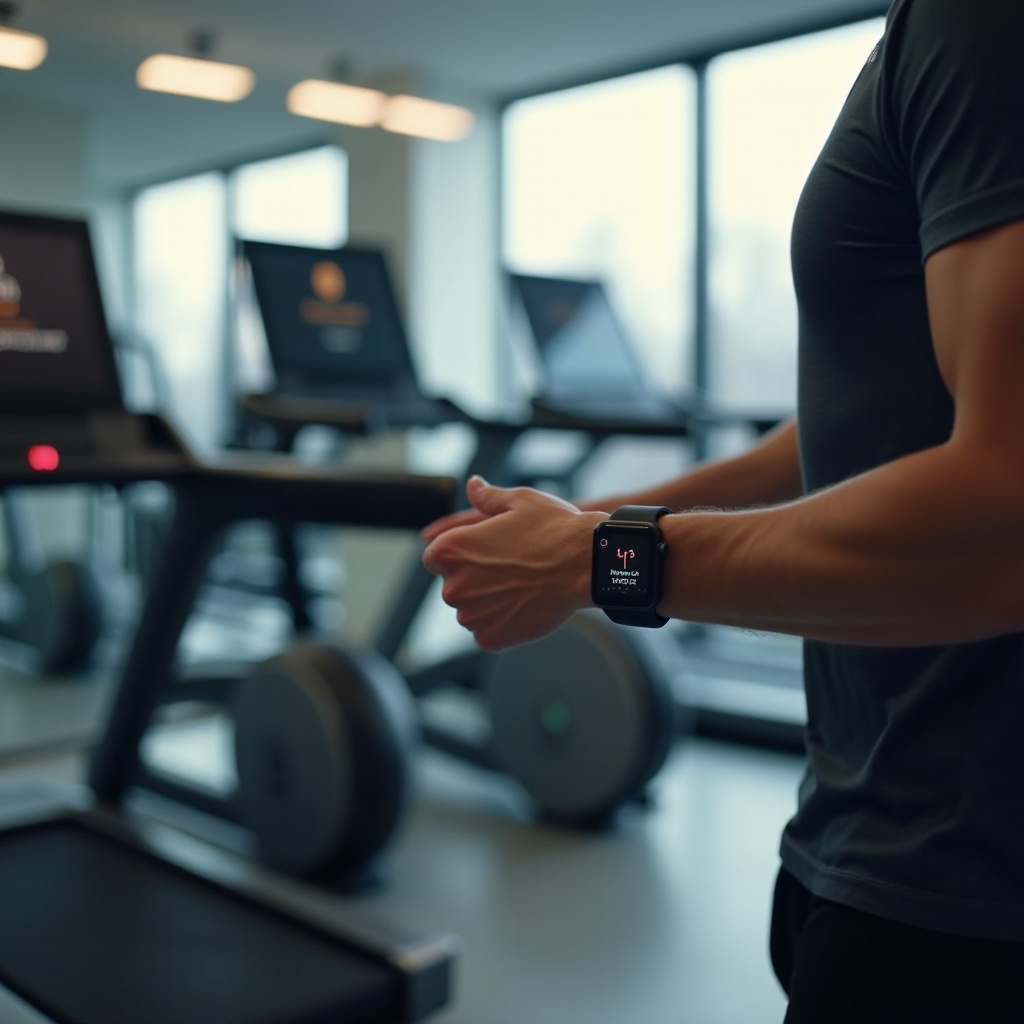
To connect your Apple Watch to gym equipment effectively, understanding GymKit technology is crucial. GymKit is a robust platform that allows seamless syncing between your Apple Watch and compatible gym machines, enabling real-time data exchange. This means metrics like heart rate, calories burned, and workout duration can be displayed both on your watch and on the gym machine’s interface. Leading gym equipment brands, such as Life Fitness and Technogym, support GymKit, offering a wide selection of compatible machines. This knowledge simplifies the connecting process and ensures reliability.
Preparing Your Apple Watch for Connection
Before hitting the gym, prepare your Apple Watch for a successful connection:
1. Update watchOS: Ensure your Apple Watch runs the latest watchOS. Many connectivity issues originate from outdated software.
2. Enable Bluetooth: Make sure Bluetooth is on, as it is necessary for establishing connections.
3. Configure Settings: Access Apple Watch Settings, navigate to ‘Workout,’ and ensure ‘Detect Gym Equipment’ is enabled. This setting allows your device to automatically seek compatible machines nearby.
Once your watch is set up, connecting it to gym equipment becomes straightforward, paving the way for a more integrated workout experience.
Step-by-Step Guide to Connecting Your Apple Watch
Follow these steps to connect your Apple Watch to GymKit-enabled equipment:
1. Approach the Equipment: Stand close to the gym machine you want to connect. Proximity aids in establishing a quick link.
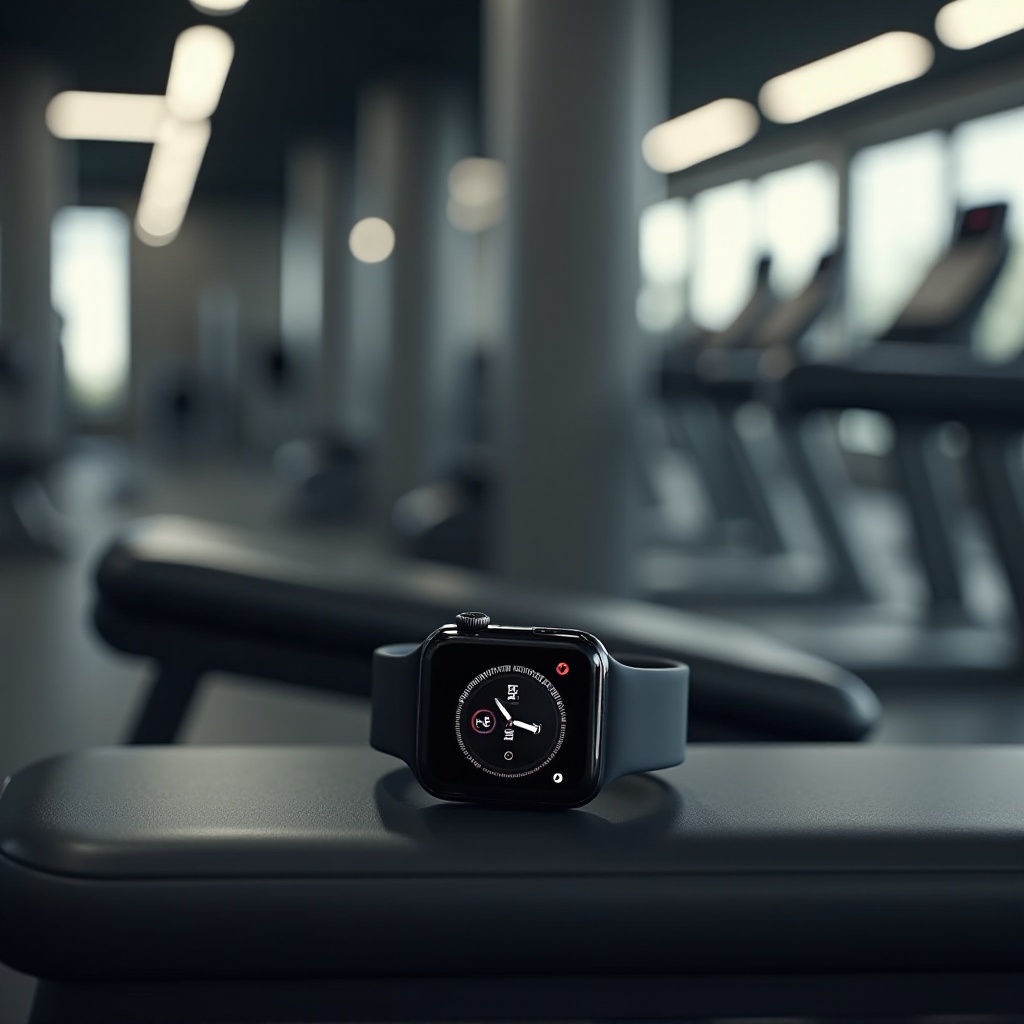
2. Initiate Pairing: Identify the NFC logo or GymKit icon on the machine. Tap your Apple Watch against this spot.
3. Confirm Connection: A prompt will appear on your Apple Watch. Follow the instructions to confirm the link.
4. Start Your Workout: Begin exercising, and observe your data populating on both your Apple Watch and the machine’s display.
5. Conclusion of Session: The connection terminates automatically post-workout, with data saved in the Activity app on your Apple Watch.
These steps ensure a seamless experience every workout session, enhancing data accuracy and workout efficiency.
Making the Most of Your Connected Experience
Maximizing the benefits of your connected devices offers a multitude of advantages. By linking your Apple Watch with gym equipment, you gain access to precise data for reviewing and customizing future workouts. Utilize this connection to:
– Track specific workout metrics such as heart rate variability and calorie burn.
– Set personalized alerts for pace or rhythm adjustments.
– Share achievements with friends or sync data with fitness apps for further motivation and comprehensive analysis.
Employing these features empowers you to reach your fitness ambitions more effectively.
Addressing Common Challenges
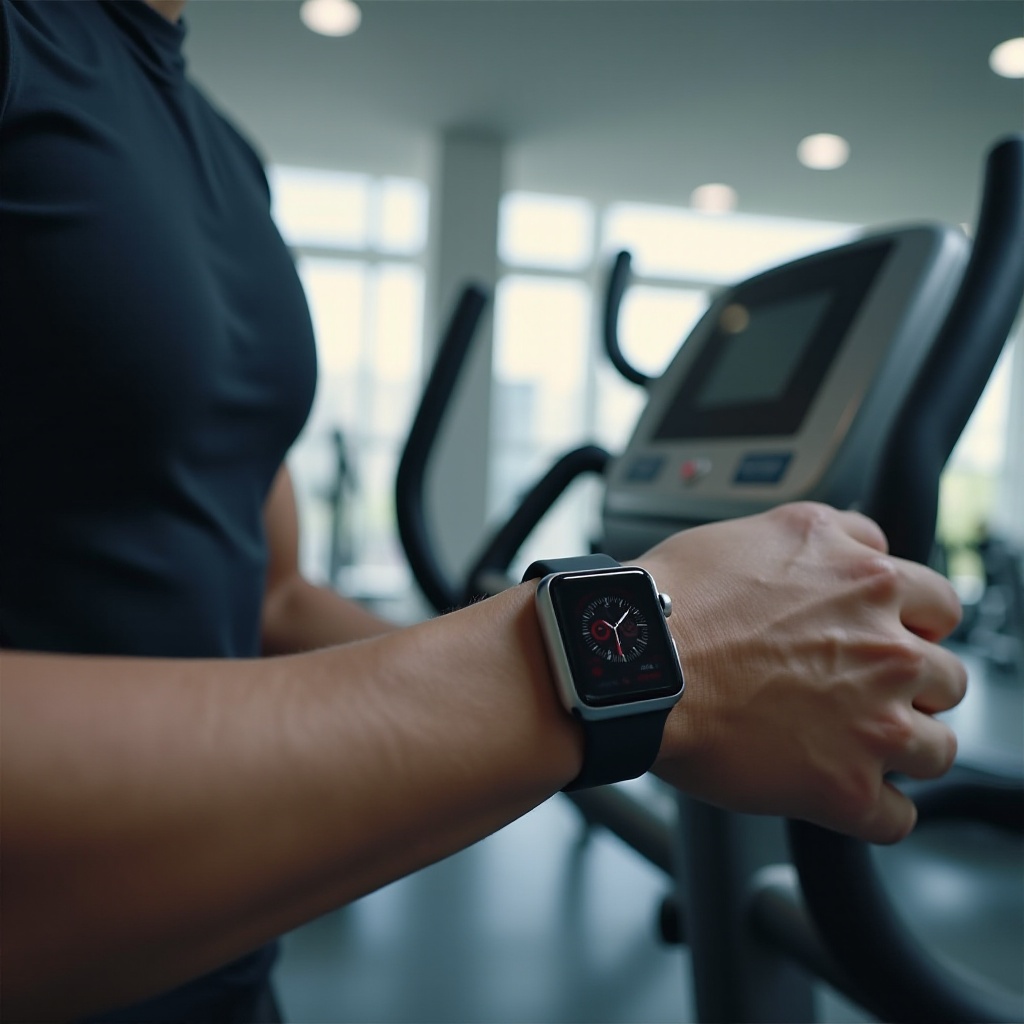
Despite the advanced technology, certain challenges may arise when connecting:
1. Connection Failures: Ensure compatibility with the equipment and confirm that both devices are updated and within range.
2. Syncing Errors: Data might not sync properly sometimes; restarting both the Apple Watch and gym equipment usually resolves this.
3. Intermittent Connections: Reduce interference by moving away from areas dense with electronics to maintain a stable connection.
Recognizing and tackling these issues will help maintain a smooth workout experience.
Future Trends in Apple Watch and Gym Technology
Looking to the future, Apple continues to push its innovative boundaries with each watchOS update. Expect even more sophisticated fitness tracking and seamless connectivity in the upcoming years. Gym equipment manufacturers are also expanding GymKit compatibility, integrating smarter interfaces and more detailed metrics. These advancements could lead to AI-driven fitness insights and more personalized workout plans, offering a refined fitness journey.
Conclusion
Syncing your Apple Watch with gym equipment unlocks a new era of fitness tracking potential. By meticulously following the steps outlined and troubleshooting common issues, users can enjoy seamless integration that greatly enhances their routine. Embrace this technology to elevate and refine your fitness goals, making each workout more productive and insightful.
Frequently Asked Questions
How do I know if my gym equipment is GymKit compatible?
Look for the GymKit or NFC logo on the equipment. Additionally, you can ask gym staff or consult the equipment’s manual for compatibility details.
Can I connect my Apple Watch to non-GymKit equipment?
Direct connections are limited to GymKit-enabled machines, but your Apple Watch’s in-built sensors can still track workouts manually.
What do I do if my Apple Watch won’t connect to the equipment?
Ensure both devices have the latest updates and are within range. If issues persist, restart both devices and check settings to ensure connections are enabled.