
How to Get Fortnite Mobile on iPad in 2024: A Comprehensive Guide
Introduction
Fortnite remains a gaming giant, captivating players worldwide with its engaging gameplay and competitive battles. The iPad, known for its convenience and impressive performance, is a desirable platform for such immersive experiences. This 2024 guide will navigate you through the process of accessing Fortnite on your iPad, ensuring optimal performance for a thrilling adventure.

Is Fortnite Available on iPad in 2024?
Fortnite is not directly available on the Apple App Store due to legal disputes between Epic Games and Apple. However, this does not prevent iPad users from joining the Fortnite community. Solutions, such as cloud gaming, offer pathways to play Fortnite on the iPad without needing an App Store presence.
One efficient method is utilizing Nvidia GeForce NOW, a leading cloud gaming service. It enables players to stream Fortnite directly to their iPads. By linking your Epic Games account, GeForce NOW makes Fortnite accessible, providing a seamless transition from the login screen to the battlefield. Up next, we will detail the steps to set up this system.
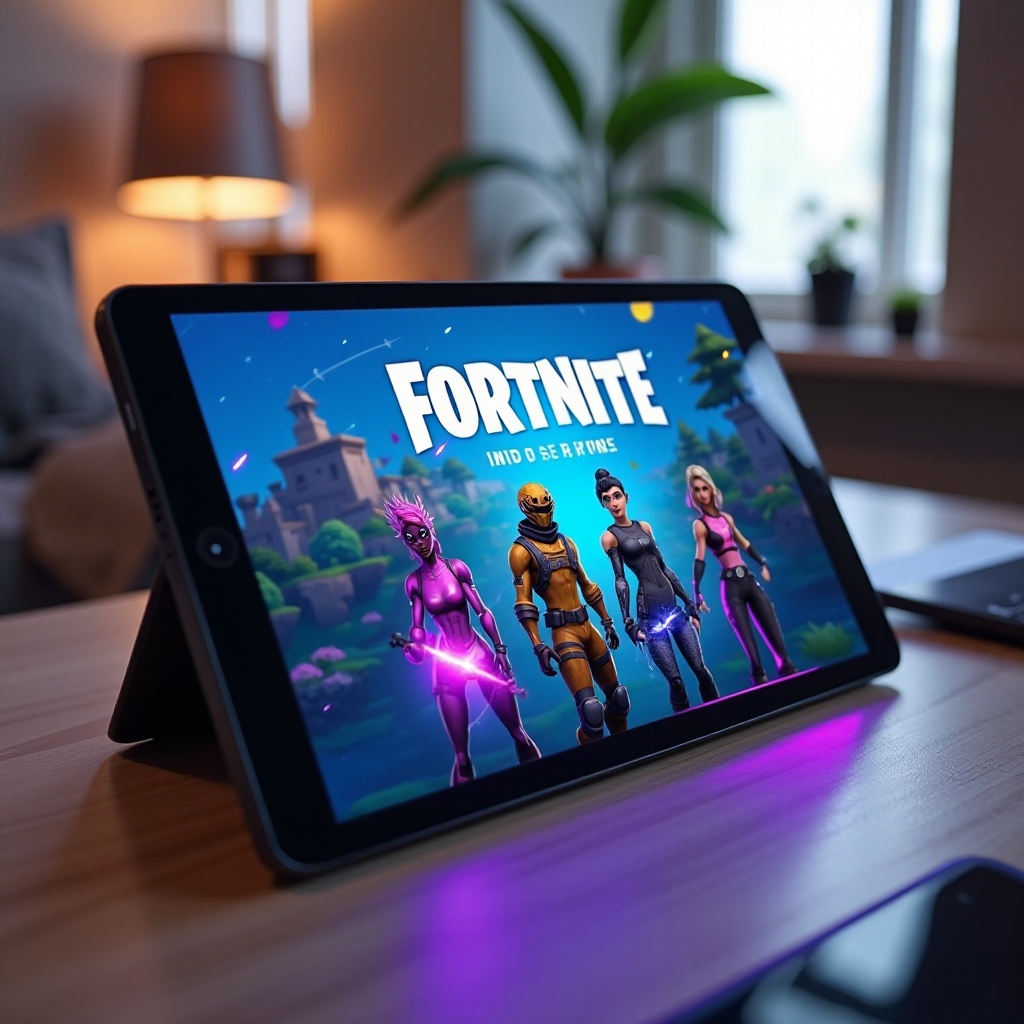
Step-by-Step Guide to Installing Fortnite on iPad
- Set Up Nvidia GeForce NOW:
- Visit the Nvidia GeForce NOW website and register for an account.
- Download the GeForce NOW app from the App Store or access it via Safari for flexibility.
-
Log into your Nvidia account through the app, ensuring you’re ready to stream.
-
Create and Set Up Your Epic Games Account:
- If you don’t have an Epic Games account, head to the Epic Games website and register.
-
Keep your login information handy to avoid delays when starting your game.
-
Configure Safari with GeForce NOW:
- Open Safari on your iPad and navigate to the GeForce NOW beta page for iOS devices.
- Follow on-screen instructions to install the shortcut on your home screen for easy access.
- Use the shortcut to launch Fortnite through GeForce NOW, logging in with your Epic Games credentials to start playing.
Following these steps will transform your iPad into a capable Fortnite gaming device, ready for high-octane action.
Optimizing Your iPad for Fortnite Gameplay
Now that Fortnite is accessible on your iPad, optimizing your settings will enhance gameplay further. From device choices to in-game settings, a few tweaks can make a significant difference.
-
Recommended iPad Models:
Opt for models like the iPad Air, iPad Pro, or the latest iPad iterations—these offer superior graphics and processing power set for gaming. -
Best Graphical Settings:
Adjust settings within GeForce NOW to maintain smooth performance. If lag arises, reduce graphic details or employ recommended settings for balanced playability. -
Connecting Controllers:
Enhance control by connecting a Bluetooth controller. Pair devices through your iPad’s Bluetooth settings for a more immersive experience.
These optimizations ensure that your setup is complete, paving the way for uninterrupted battles.
Tips for Enhancing Your Fortnite Mobile Experience
Beyond device and settings optimization, strategic actions can further lift your Fortnite gameplay to new heights.
-
Manage Notifications:
Activate Do Not Disturb mode during gameplay to minimize distractions, maintaining concentration on your match. -
Gameplay Strategies:
Become adept with touchscreen controls, or customize these for controller use, simplifying crucial actions like building and targeting. -
Stay Updated:
Regularly check for updates both for your iPad’s software and the Nvidia GeForce NOW app to access the latest features and improvements.
These tactics bolster your readiness and competitive edge in the game, allowing for smoother victories.
Troubleshooting Common Issues
Even with full setup and optimization, issues may still arise. Here are effective solutions to common setbacks:
-
Connectivity and Performance Problems:
Ensure your internet connection is robust—preferably high-speed Wi-Fi or Ethernet. Closing background apps frees up resources, enhancing performance. -
Updating Software:
Regularly review and install updates on GeForce NOW and your iPad’s OS. This action can solve glitches and enhance function.
Resolving these problems quickly minimizes interruptions, enriching your overall gaming encounter.
Conclusion
In this guide, we provided methods to enjoy Fortnite on your iPad using cloud gaming technologies. From setting up Nvidia GeForce NOW to optimizing device settings and troubleshooting potential issues, we’ve covered it all. Armed with these insights, you’re ready to embark on your Fortnite journey on the iPad seamlessly and enjoyably.
Frequently Asked Questions
Can I play Fortnite on an older iPad model?
Yes, you can, although performance may vary depending on your device’s specs. Newer models are recommended for the best experience.
What if Fortnite updates are not available on my iPad?
Check for updates in GeForce NOW and ensure your iPad runs the latest iOS version to access new features.
Is using cloud gaming services to play Fortnite safe?
Yes, using services like Nvidia GeForce NOW is generally safe as long as you protect your account credentials.