How to Trick Find My iPhone: Balancing Privacy and Security
Introduction
The ‘Find My iPhone’ feature provides invaluable assistance in retrieving misplaced devices. However, moments might arise when users need more nuanced control over this functionality for privacy or other temporary reasons. Whether it’s maintaining privacy during sensitive situations or managing location-sharing permissions, achieving this balance can be crucial. This guide explores responsible methods to adjust your iPhone’s settings without compromising its security.
Understanding ‘Find My iPhone’ and Its Role
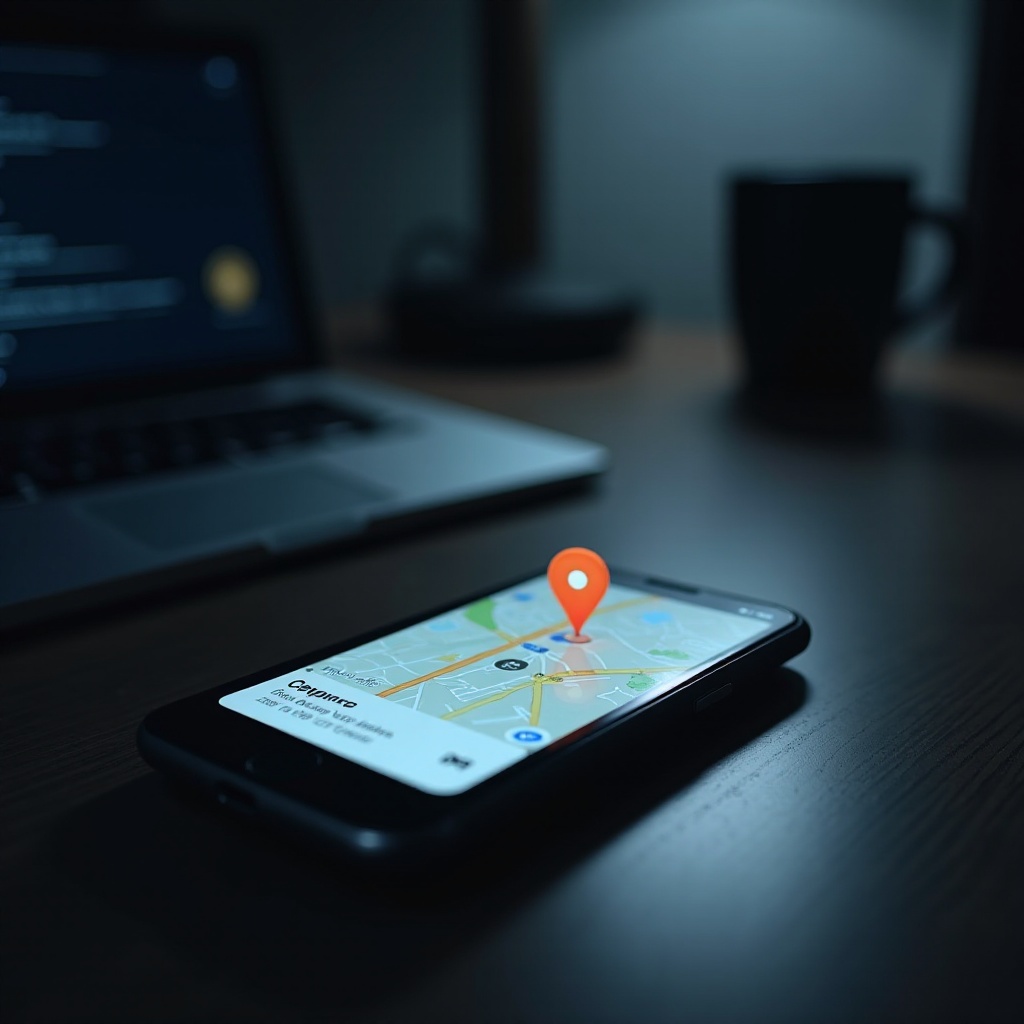
Find My iPhone’ primarily serves as a security feature, harnessing GPS, Wi-Fi, and cellular data to locate your device. Its operational simplicity ensures reliability in daily use, facilitating easy recovery of a lost or stolen phone. An understanding of this technology facilitates informed decisions about managing location settings while preserving core security benefits.
Reasons to Consider Adjusting ‘Find My iPhone’ Settings
Numerous scenarios may justify altering location settings to suit privacy needs:
- Privacy Concerns: Users frequently desire privacy in personal or professional settings when sharing their location might seem intrusive.
- Temporary Needs: Certain events or locations warrant privacy, prompting temporary location setting adjustments.
- Sharing with Trusted Parties: Sharing location data with family and friends can sometimes feel intrusive or lead to unintended outcomes.
Acknowledging these situations is essential for understanding when and why adjustments are necessary.
How to Temporarily Disable ‘Find My iPhone’
For those moments requiring privacy, temporarily disabling ‘Find My iPhone’ can be advantageous:
- Steps to Turn Off Location Services:
-
Navigate to Settings > Privacy > Location Services and toggle the switch off, instantly enhancing privacy by preventing any app from accessing your location.
-
Using Airplane Mode Effectively:
-
Access Control Center by swiping up from the home screen and activating airplane mode; this prevents the transmission of any location data.
-
Specific App Adjustments:
- In Settings, select individual apps to set location access to ‘Never’ or ‘While Using the App’ based on your preference.
These procedures empower you to manage your location privacy without losing access to essential phone functions.
Alternatives and Tools for Location Privacy
Exploring alternatives for managing location sharing can reinforce privacy strategies:
- Third-Party Applications: Apps like ‘Life360’ or ‘FamiSafe’ can customize location sharing, offering exact control over who sees your location and when.
- Manual Location Sharing Options: Implement temporary or selective sharing using built-in features in apps such as WhatsApp and Facebook.
- Pros and Cons of Various Tools: While third-party applications provide versatility, they can pose privacy risks or data breaches if not correctly managed.
Using these alternatives judiciously allows users to enhance their privacy without compromising overall device functionality.
Security Measures to Consider
To maintain security, incorporate additional strategies when altering location settings:
- Ensuring Device Protection: Promptly re-enable ‘Find My iPhone’ when necessary to guarantee device recoverability.
- Additional Security Settings: Utilize biometric protection such as Face ID or Touch ID for added data security.
- Updating and Monitoring Device Security: Keep your iOS updated to benefit from security enhancements, ensuring any location privacy measures do not diminish your device’s safety measures.
Attention to these factors is pivotal in ensuring your device remains secure amid privacy adjustments.
Ethical Considerations
Modifying location settings comes with ethical responsibilities:
- Legal Implications: Confirm compliance with laws on device sharing and location tracking to avoid potential legal issues.
- Consequences of Misuse: Misinterpreting privacy adjustments can lead to trust issues or legal repercussions if privacy settings are abused.
- Ethical Responsibility: Exercise ethical considerations when managing location information to uphold transparency and respect connected parties.
Recognizing these elements ensures responsible usage while safeguarding personal freedom and social integrity.
Conclusion
Tricking ‘Find My iPhone’ to suit personal privacy preferences requires a delicate balance of practicality and security. Through responsible management of your device’s settings, you can achieve a reassuring equilibrium that maintains both privacy and protection.
Frequently Asked Questions
Can using airplane mode help with privacy when using ‘Find My iPhone’?
Yes, activating airplane mode momentarily ceases location tracking, aiding in privacy without alerting others.
Are there legal concerns with altering location services?
Yes, depending on your location, altering location services may have legal implications, particularly for shared devices.
What are the best practices for balancing privacy with security?
Employ temporary adjustments, use third-party apps with caution, and restore default settings when additional privacy is unneeded.