Troubleshooting High-Pitched Noises from Your Onn TV
Introduction
Have you noticed a high-pitched noise coming from your Onn TV? This unsettling sound can interfere with your viewing pleasure and might indicate a technical issue that needs addressing. By understanding the root causes and implementing the right solutions, you can restore your TV’s performance and enjoy a noise-free experience.
Understanding the Causes of High-Pitched Noises
Identifying the source of high-pitched noises in your Onn TV is crucial for effective troubleshooting. Common causes include:
- Electrical Interference: This often occurs when your TV is placed near other electronic devices, causing overlapping signals and unwanted noise.
- Capacitor Issues: Capacitors regulate power flow in electronics, and when they malfunction, they can produce high-pitched sounds.
- Speaker or Audio System Problems: Distortions in the audio output can also be a result of faulty speakers.
Linking these causes with symptoms helps in implementing the right corrective measures for your TV.
Initial Troubleshooting Steps
Begin by exploring these simple, initial troubleshooting steps before seeking professional help:
- Check and Adjust TV Settings:
- Navigate to the audio settings menu.
-
Experiment with different audio modes to observe any changes in noise levels.
-
Inspect Physical Connections:
- Confirm that all connection cables are secured firmly.
-
Replace any damaged cables with new, certified ones.
-
Relocate TV to Reduce Interference:
- Shift your TV further from electronic devices to minimize electromagnetic interference.
These basic actions can often solve moderate sound issues without requiring more advanced interventions.
Advanced Solutions for Persistent Noise
If the noise persists, it’s time to consider more advanced solutions:
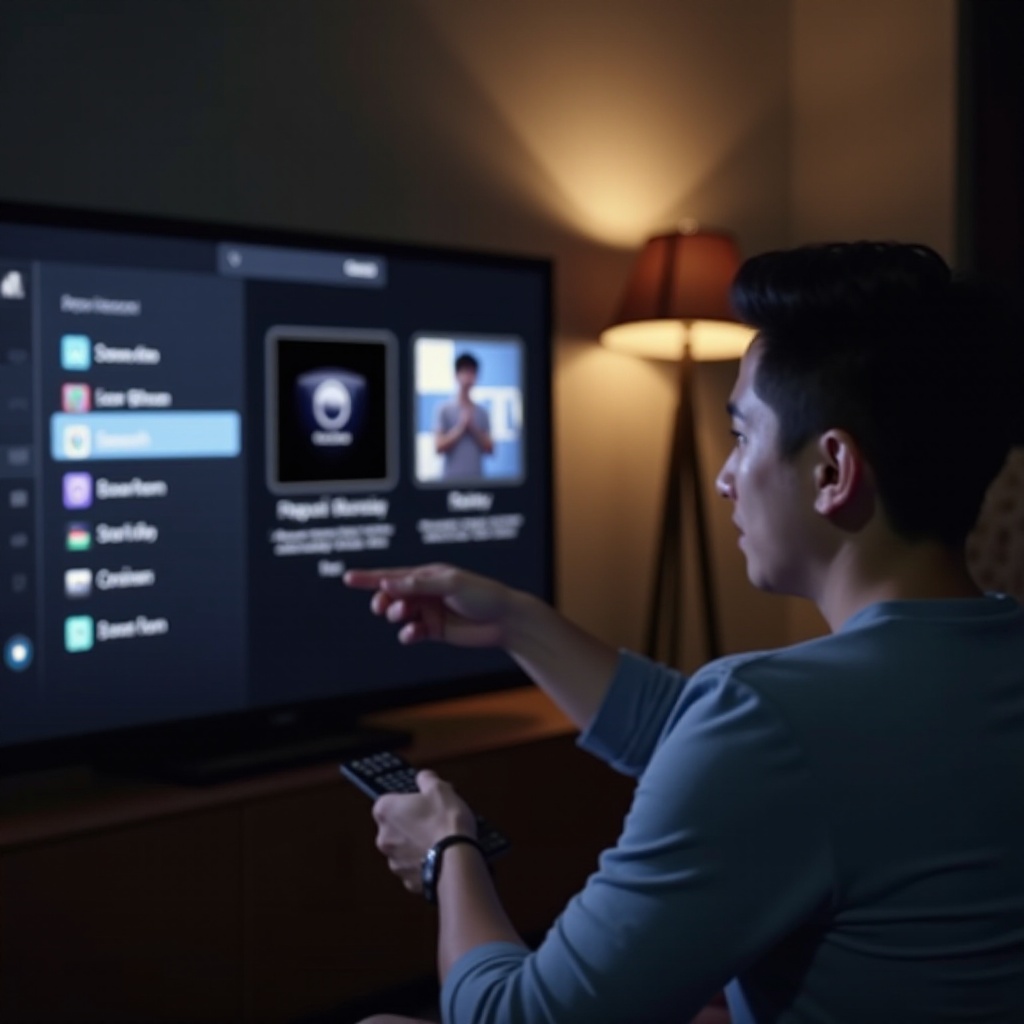
- Update TV Firmware:
- Go to the settings menu to check for available software updates and install them if necessary.
-
Updating firmware can resolve some compatibility and performance issues.
-
Replace Faulty Components:
- If troubleshooting suggests component failure, such as faulty capacitors or speakers, consider replacing these parts.
-
This may require professional expertise to avoid further damage.
-
Consult Professional Technicians:
- In instances where these steps don’t alleviate the noise, consulting a professional technician is advisable.
- Technicians possess the experience to diagnose and fix more complex issues.
Utilize these advanced methods for lasting solutions to persistent high-pitched noise problems.
Preventative Measures to Avoid Future Noises
To prevent recurring noise issues with your Onn TV, implement these preventative measures:
- Regular TV Maintenance Tips:
- Frequently clean your TV to remove dust buildup.
-
Periodically check for software updates to maintain optimal performance.
-
Optimize TV Environment:
- Arrange for adequate ventilation around the TV to prevent overheating.
-
Position the TV in an area with minimal electronic interference.
-
Upgrading to Compatible Accessories:
- Use accessories specifically designed for your Onn TV model to ensure compatibility and performance.
Incorporating these strategies into your routine can drastically reduce noise issues and improve your viewing experience.
When to Seek Professional Help
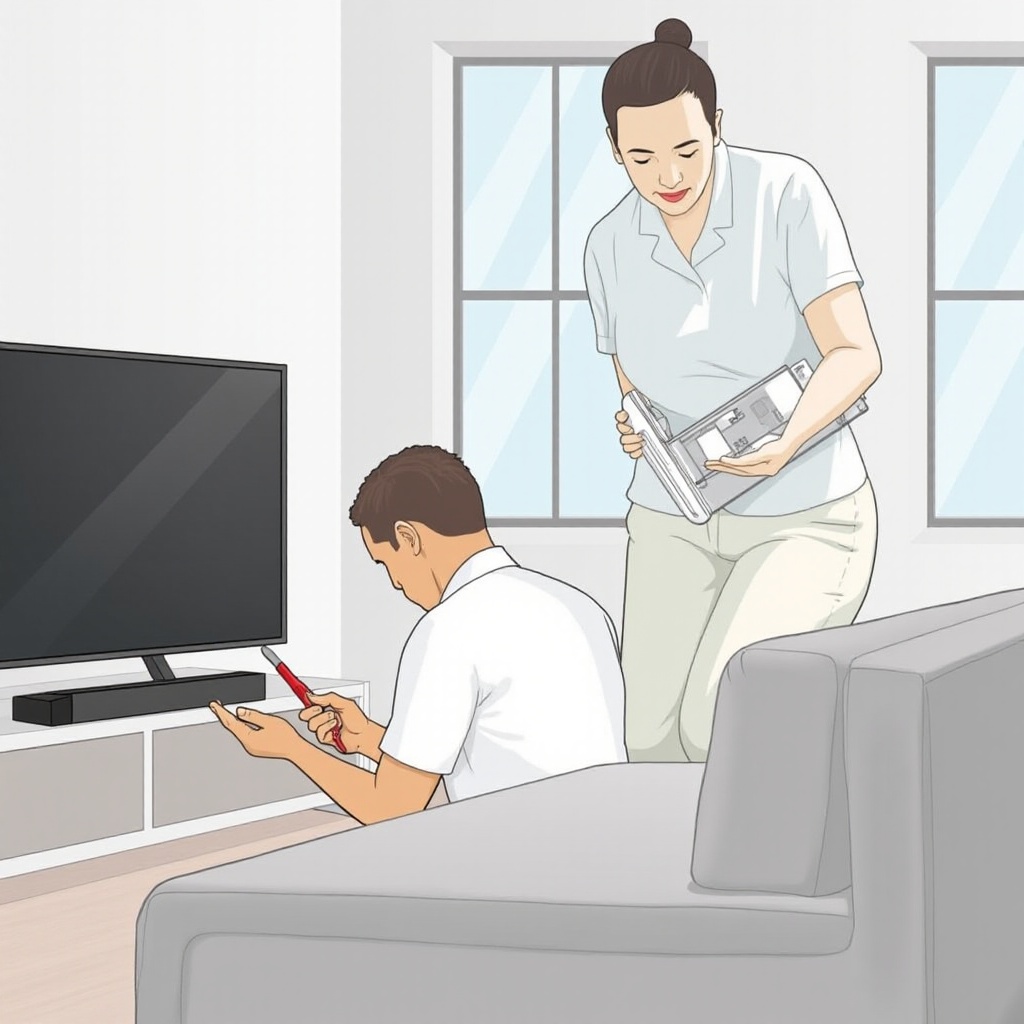
While DIY solutions can often fix many issues, recognizing when to seek professional help is vital. Persistent noises or technical problems that are beyond your expertise should prompt you to contact an expert. Professionals can conduct thorough diagnostics and repairs, ensuring your TV’s continued reliability and performance.
Conclusion
Addressing high-pitched noise from your Onn TV involves understanding the issue, applying both basic and advanced solutions, and maintaining regular TV care. By following these steps, you can enjoy uninterrupted TV watching. Remember, professional help is always available if DIY methods aren’t sufficient.
Frequently Asked Questions
Why does my Onn TV make a high-pitched noise?
The high-pitched noise might be due to electrical interference, faulty capacitors, or audio system problems. Identifying the cause helps in troubleshooting.
Can I fix the high-pitched noise on my own?
In many cases, yes. You can try adjusting settings, checking connections, or relocating your TV. Persistent noises may require professional repair.
Is a high-pitched noise a sign that my TV needs replacement?
Not always. Often, the noise can be eliminated through adjustments, updates, or minor repairs. Replacement should be a last resort if all fixes fail.